

AI website builder
Describe the site. Get a website you own.
Pages, structure, and a first version you can keep — not a locked-in template. Need a full app instead?
Use at least 3 words so we can start.
Plan
Written down first
Pages
A UI you can actually use
Own
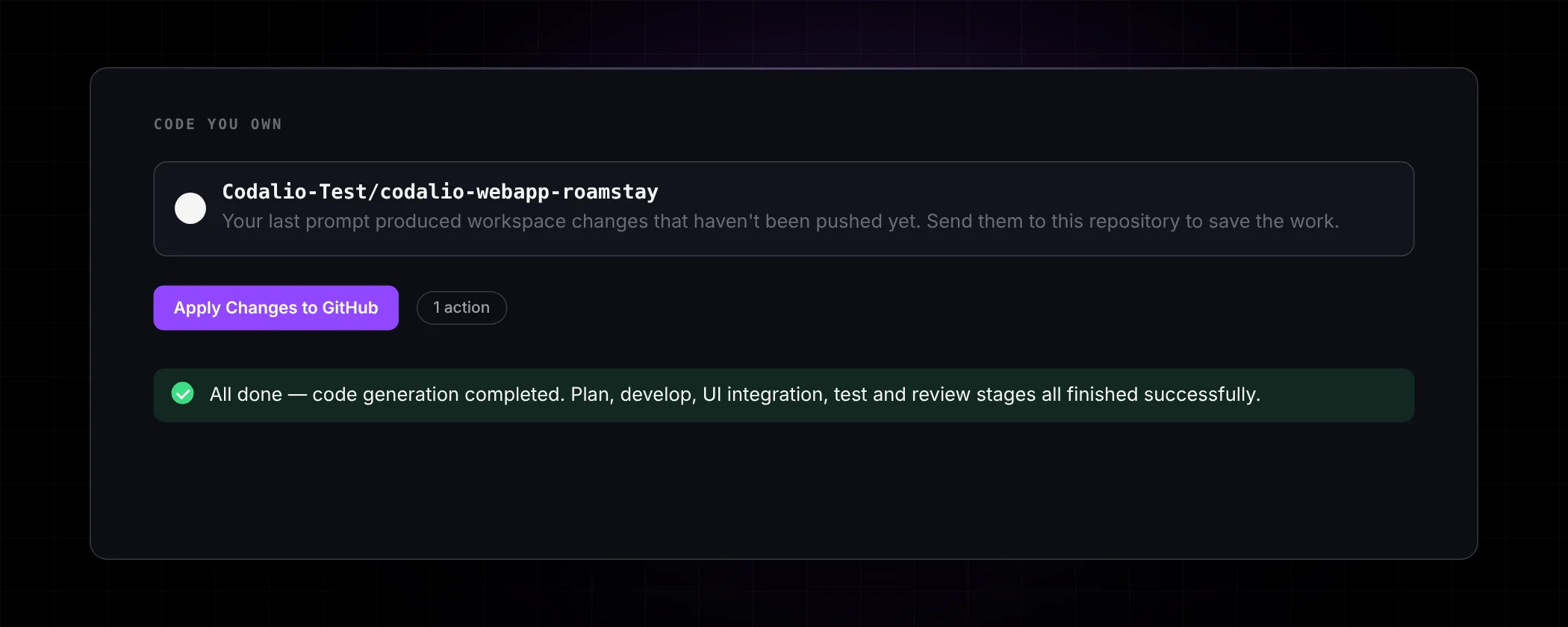
Code in your GitHub
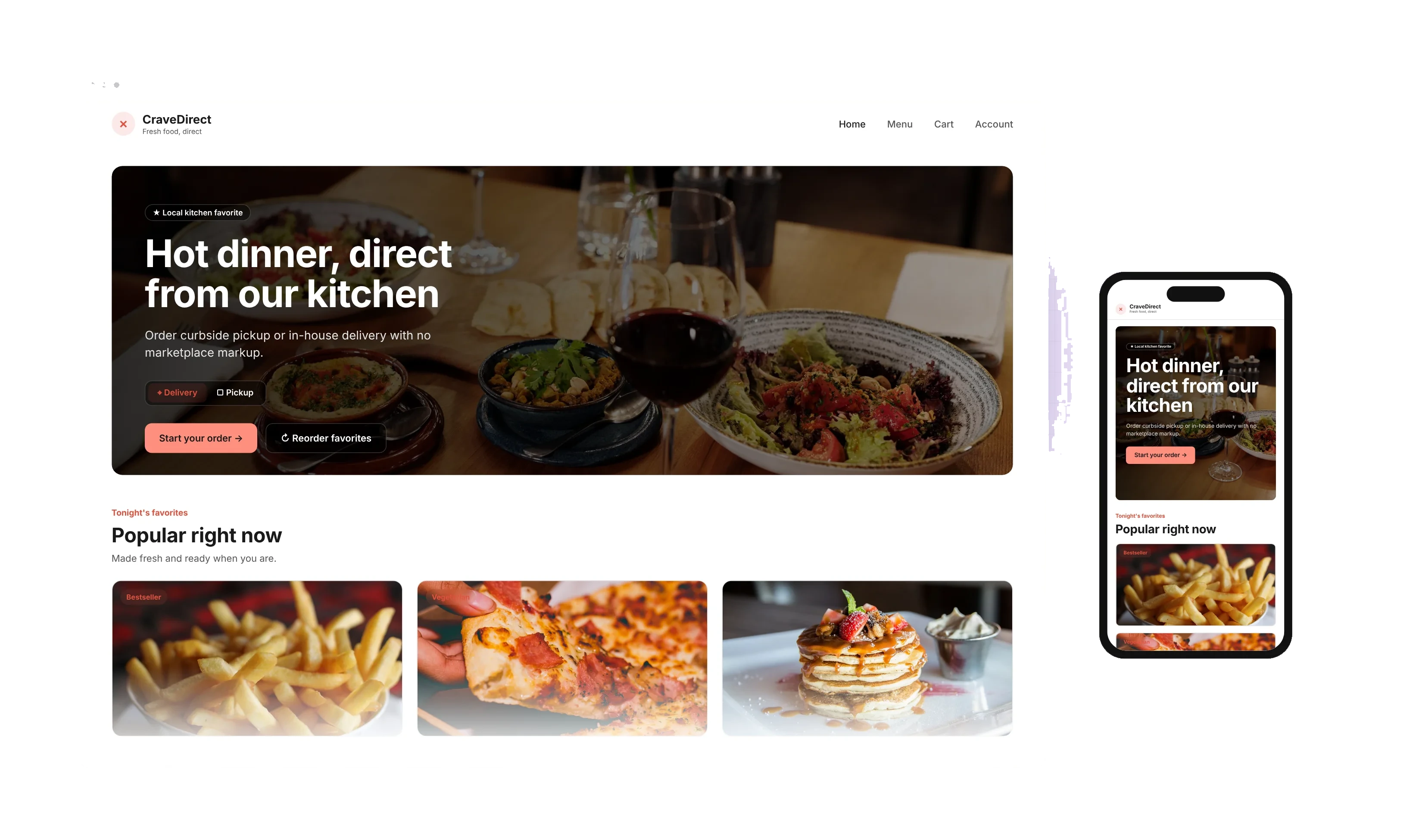
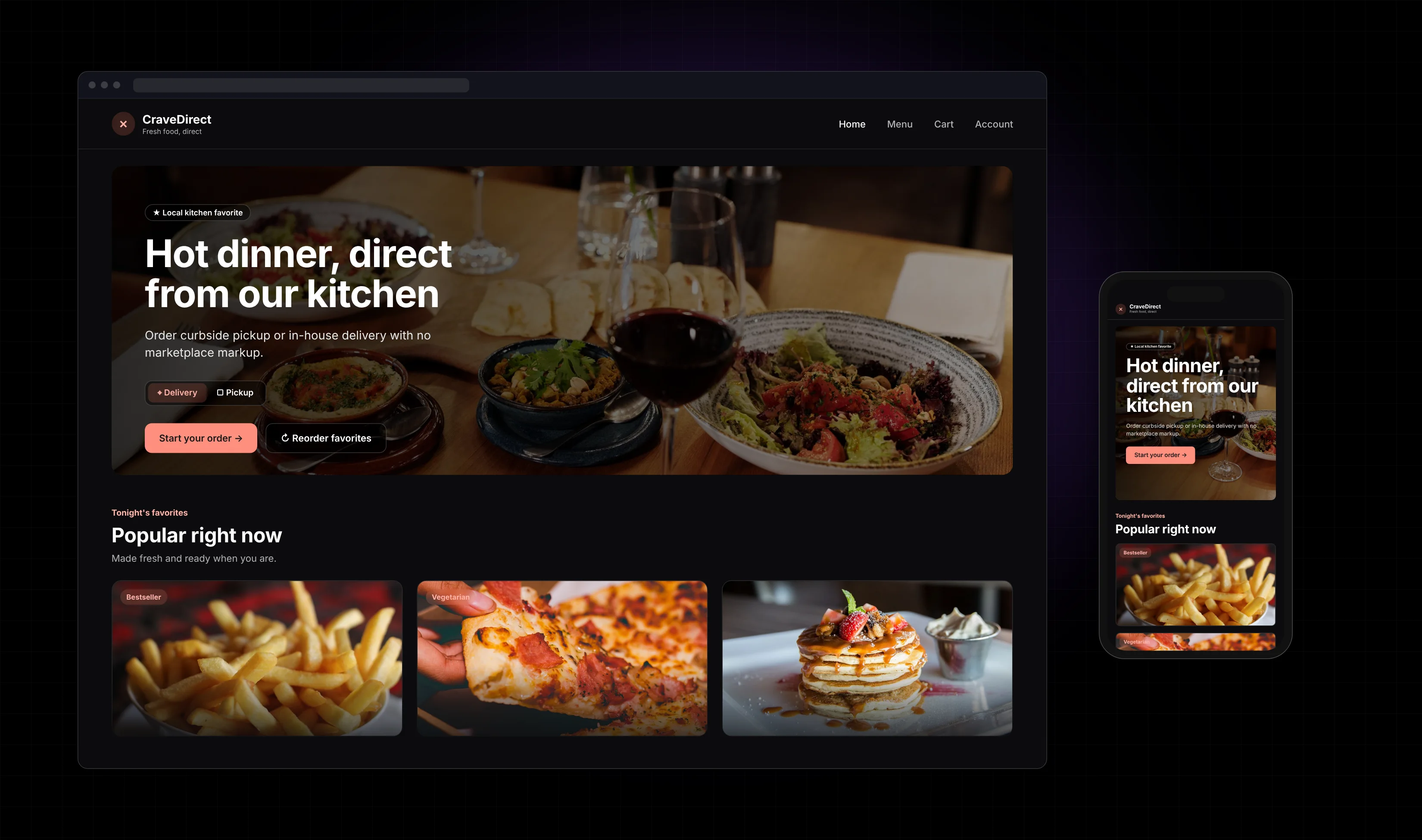
Describe the site. Get pages you can actually use.
Plain English is enough. Codalio turns who it is for and what they need to do into pages, navigation, and a UI on desktop and phone — not a template you cannot leave.
Start building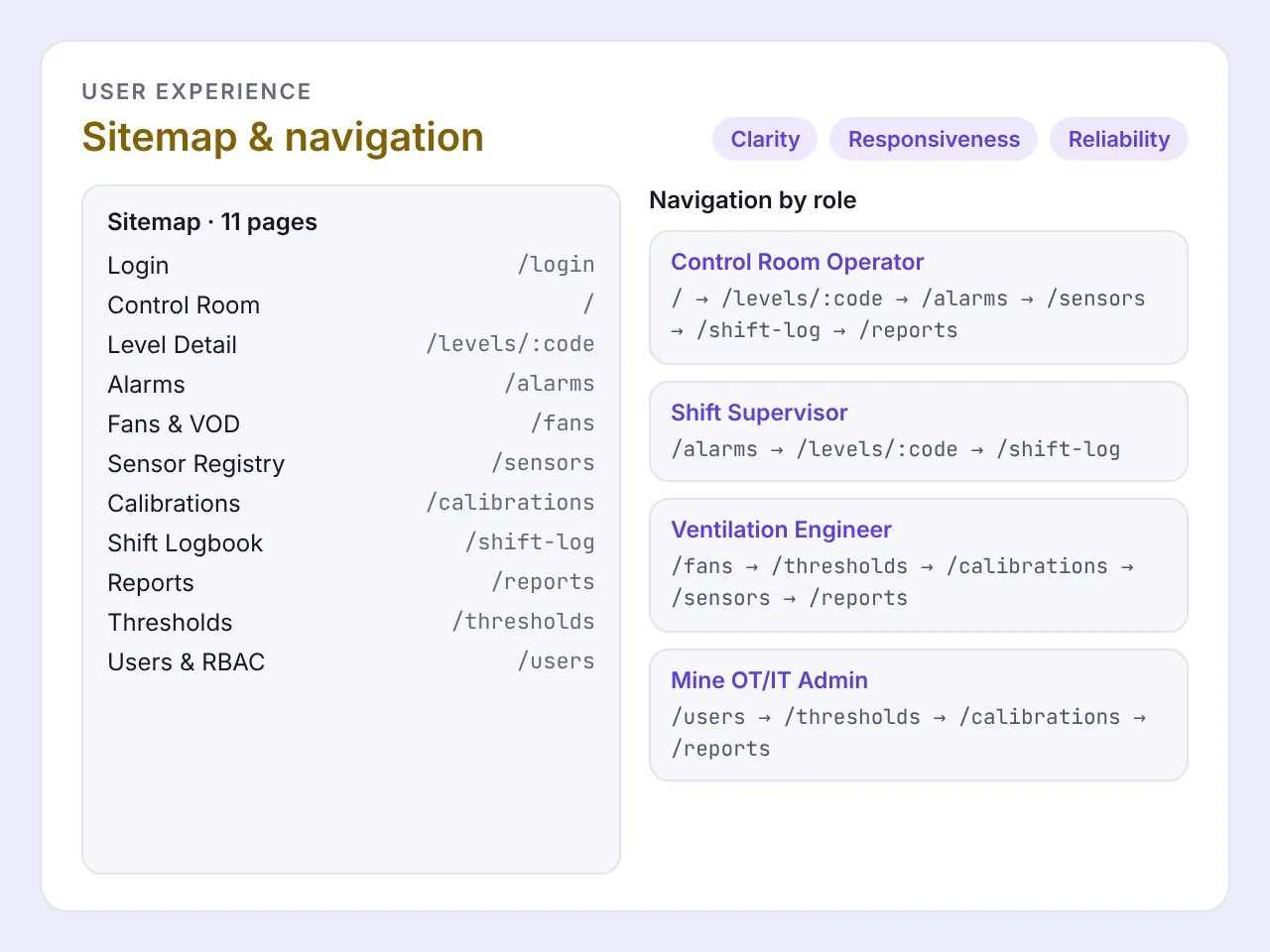
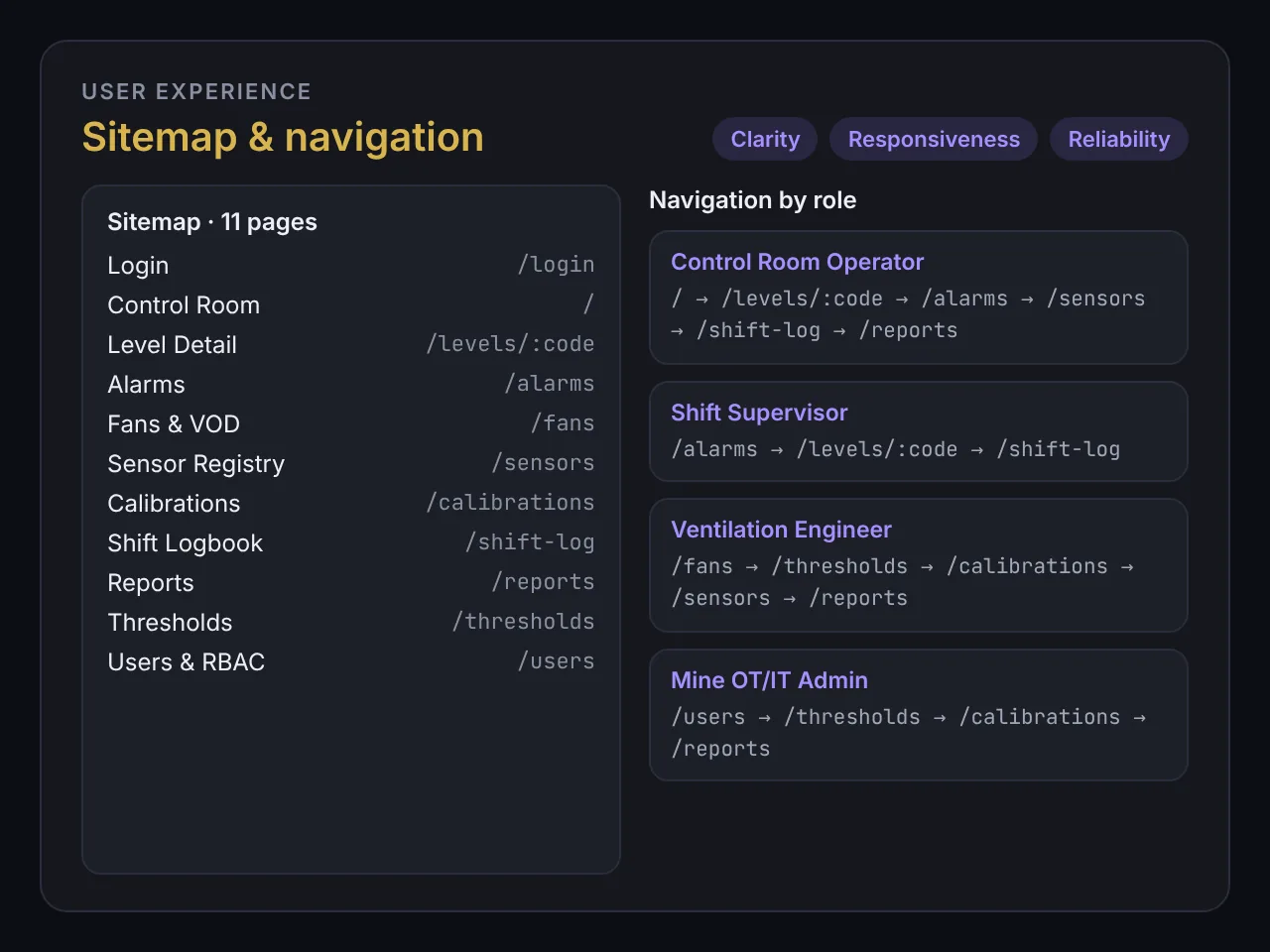
See the plan before it ships.
Sitemap and navigation written down first — so you know the pages, not just the first screen, and you are not debugging a generated layout in front of customers.
Start building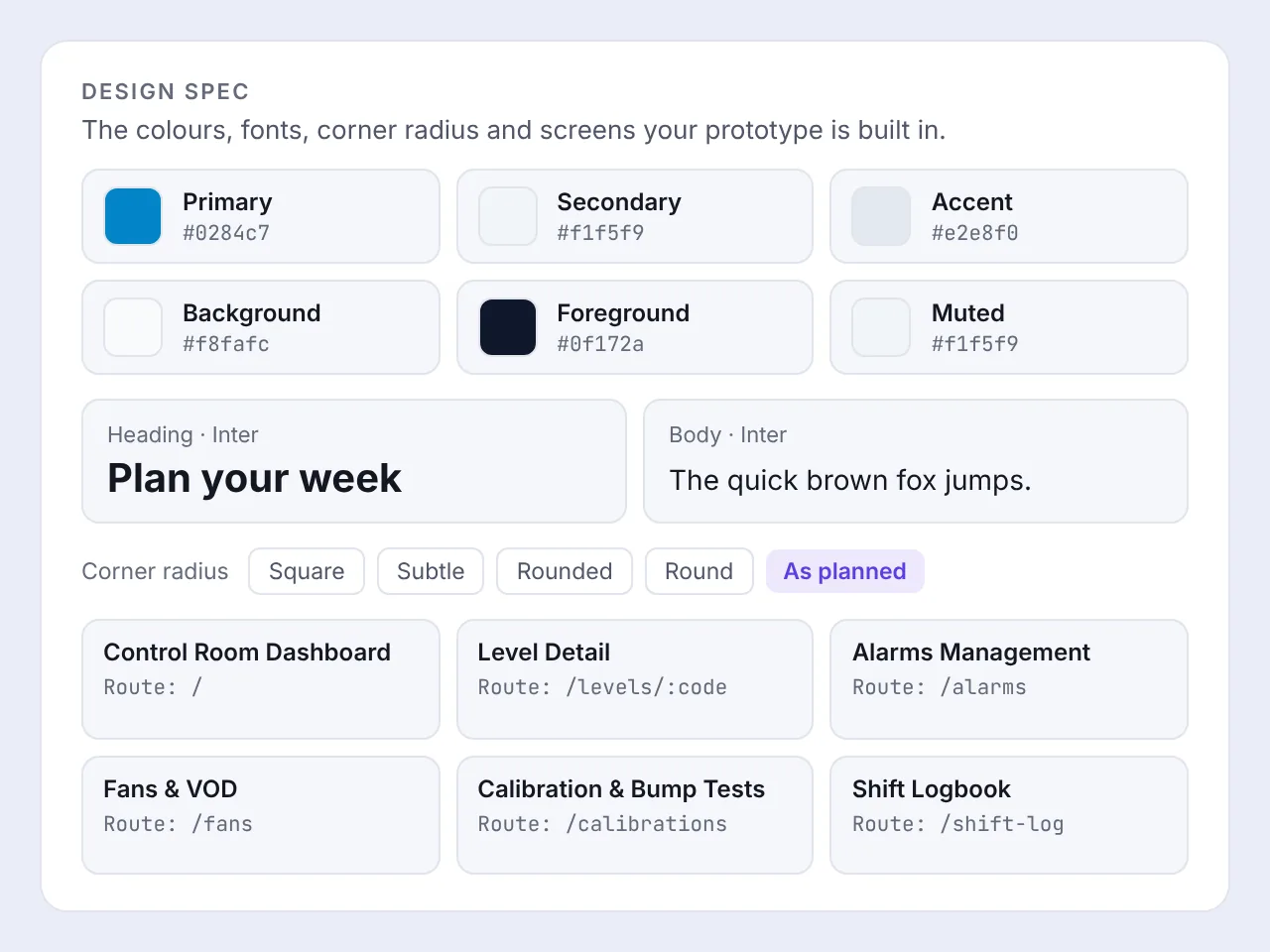
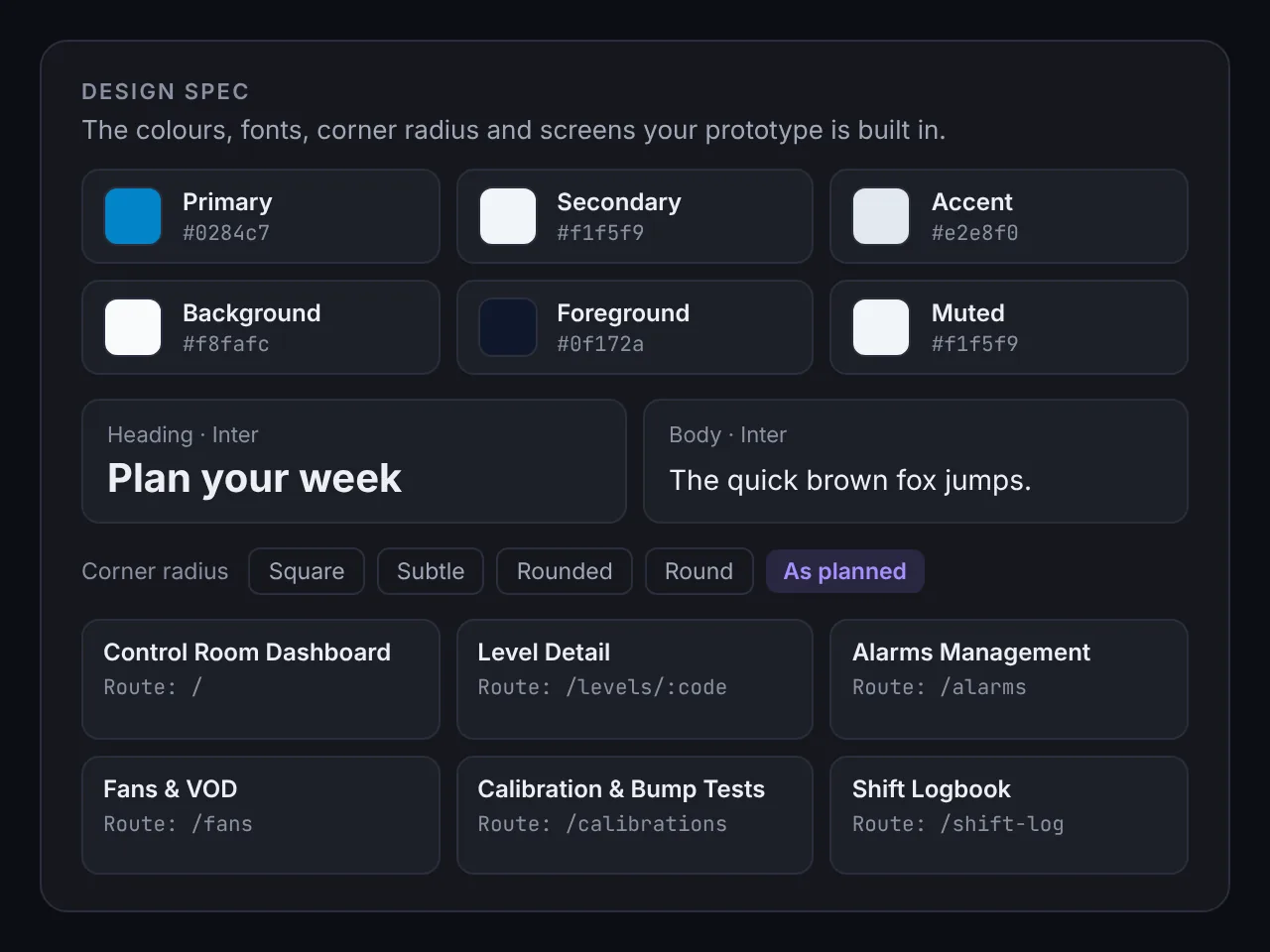
The screens match a design spec.
Colours, type, radius, and the screens the prototype is built in — a first version you can click, then keep. Not a locked-in template.
Start buildingHow it works
Step 1
Describe the site in plain English
Who it is for, what they need to do, and what success looks like. No waiting on a developer to translate it.
Step 2
Review the plan
See the pages, the structure, and the first version before it is built — so the site matches what you asked for.
Step 3
Launch a site you own
Get working pages and code in your repo. Change it, grow it, or hand it to a developer later without starting over.
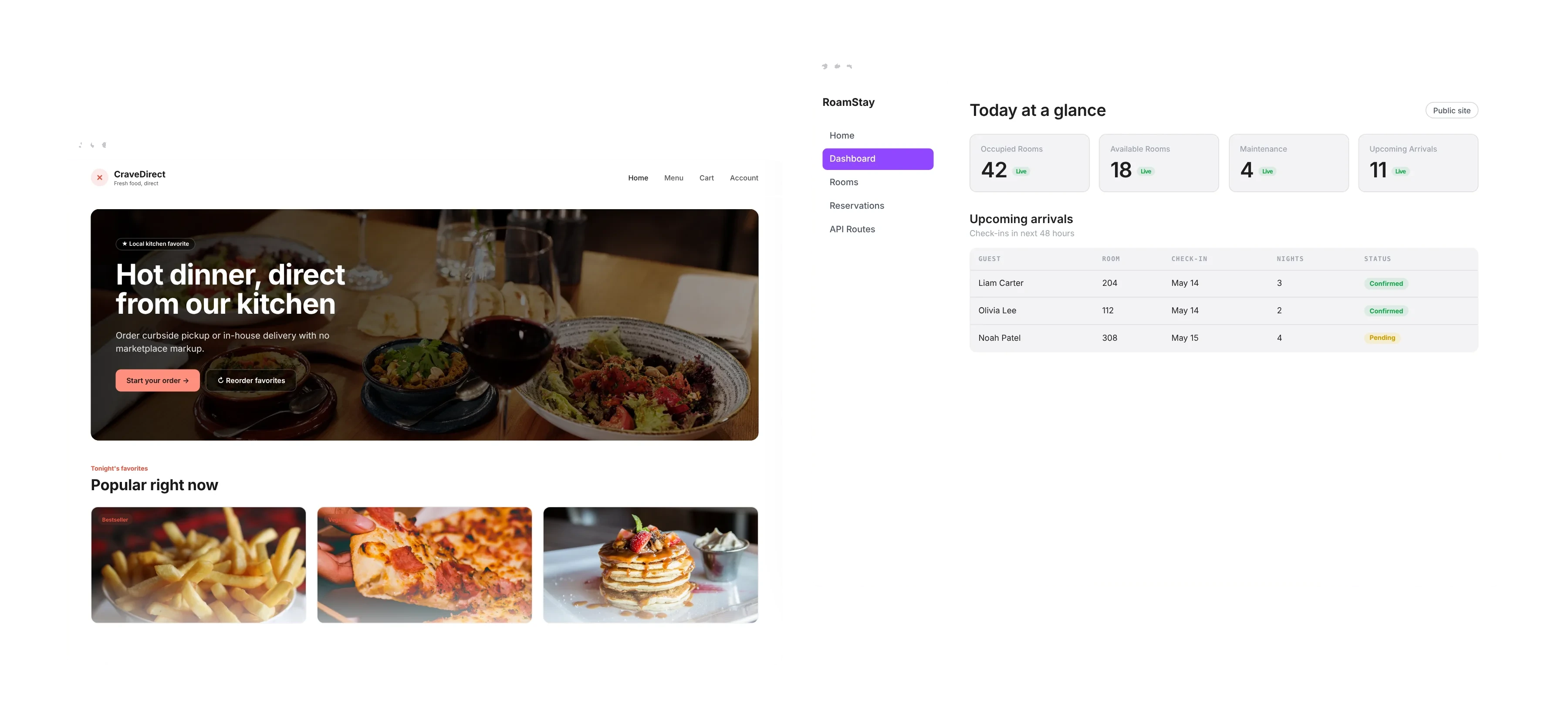
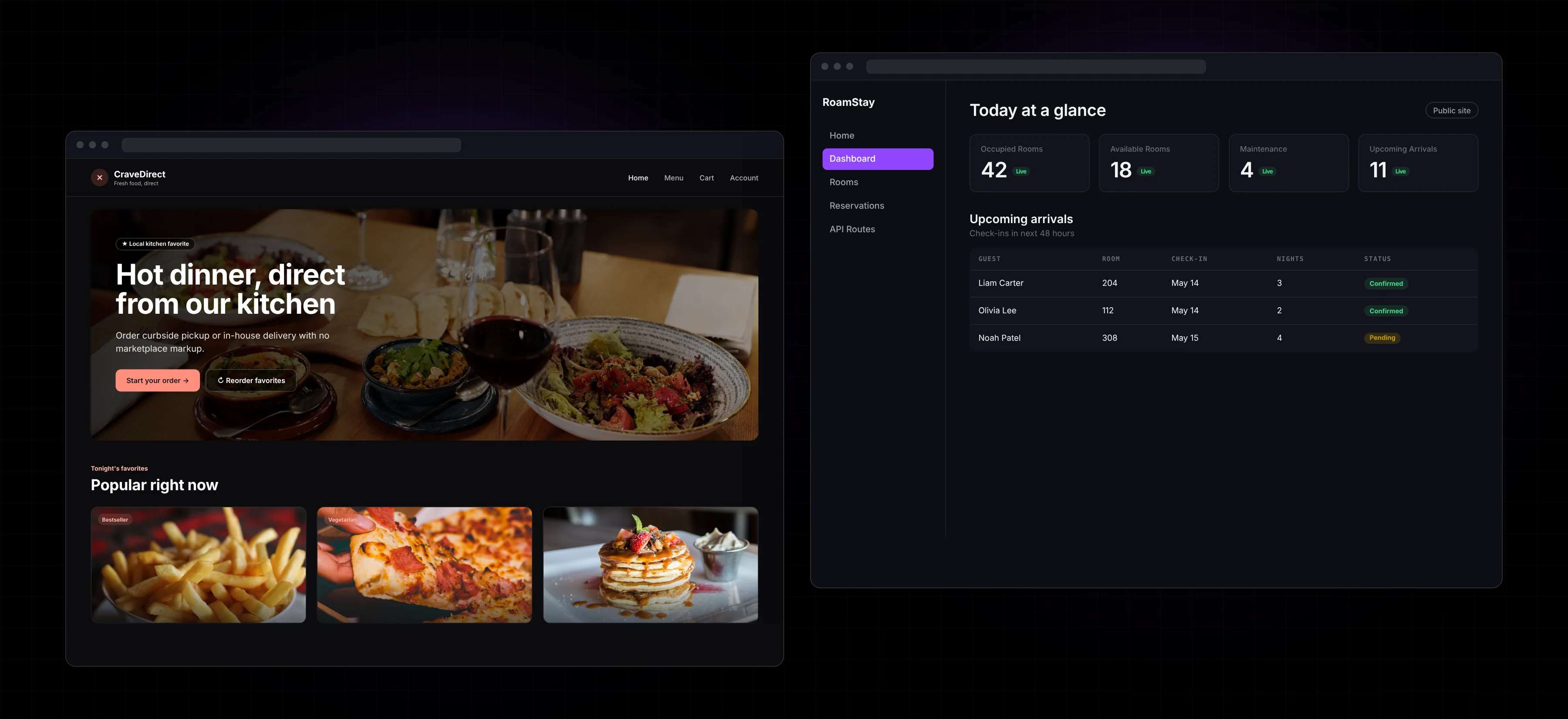
A website. Or an app you grow into.
Start with a site. When you need logins, data, or a staff dashboard, the same factory can grow it — without throwing the first version away.
Start building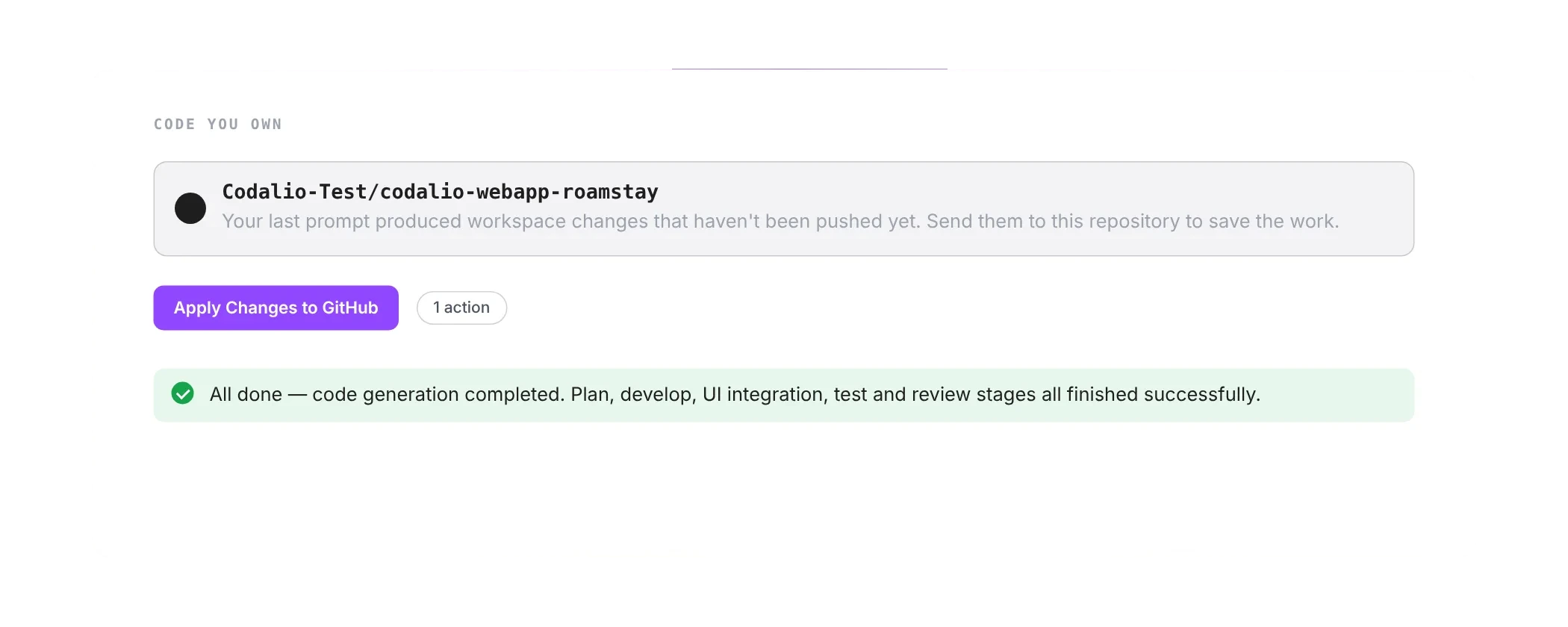
The code is yours.
The site lives in your GitHub. You, or anyone you hire, can keep going with Codalio or the tools you prefer. No lock-in.
Start buildingFrequently asked questions
Start with the site. Keep the code.
Describe what you need. Get pages you can launch and own.